Marketplace alert guide
JDMarket as a Swoopa alternative
Compare JDMarket and Swoopa using the number of searches, billing terms, notification channels and features you actually need.
Compare the full subscription cost
Swoopa advertises monthly Go at $47, Turbo at $144 and Nitro at $352. Committed options are Go at $28/month ($336 for 12 months), Turbo at $99/month ($594 for 6 months) and Nitro at $199/month ($1,194 for 6 months). Check the billing commitment before comparing monthly equivalents.
JDMarket plan intervals
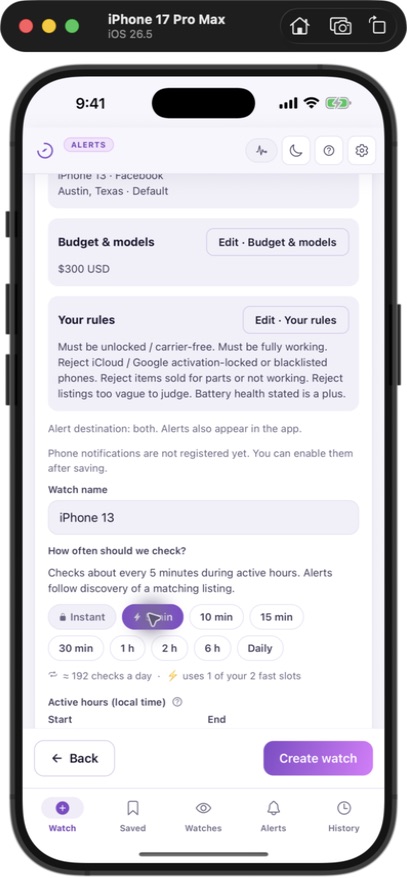
Basic: 2 watches scheduled every 5 minutes and 8 every 10 minutes. Pro: 2 every minute and 8 every 5 minutes. Premium: all 10 every minute. These are scheduled check intervals, not guarantees of time from publication to notification. Marketplace visibility, processing, retries, daily listing-check caps and phone notification settings can add delay.
Choose by your workflow
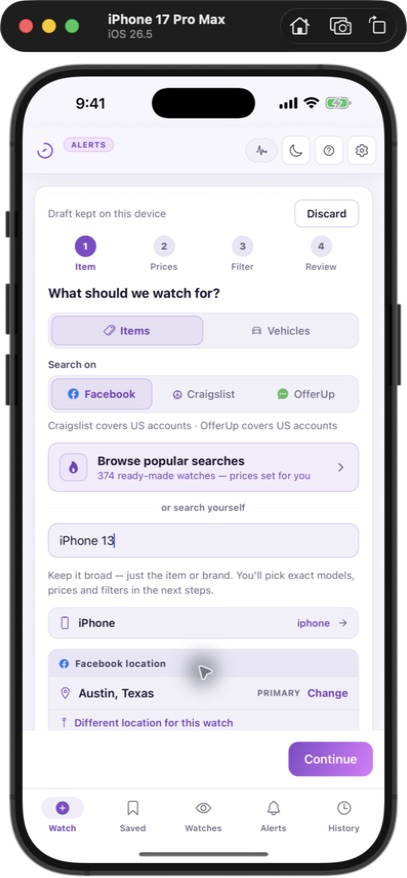
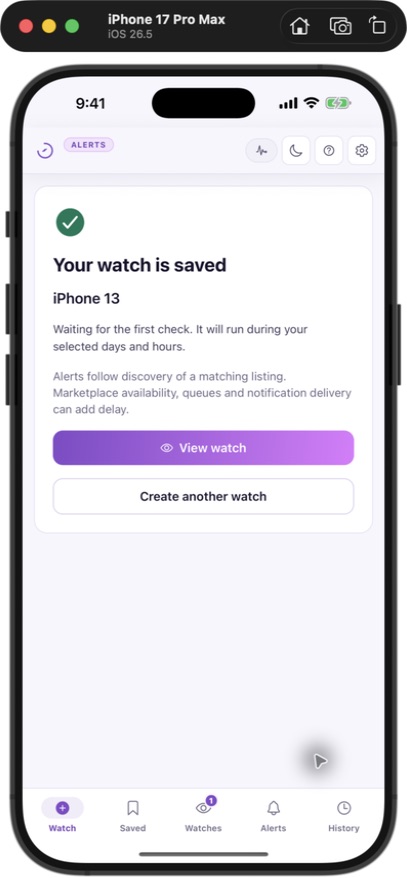
JDMarket runs searches in the cloud without your Facebook login and sends matches to Telegram and native push. Each plan includes 10 watches. Marketplace availability depends on account country: Craigslist and OfferUp in the US, Kijiji in Canada, Gumtree in the UK, and Facebook Marketplace where JDMarket operates.
AI exists in both products
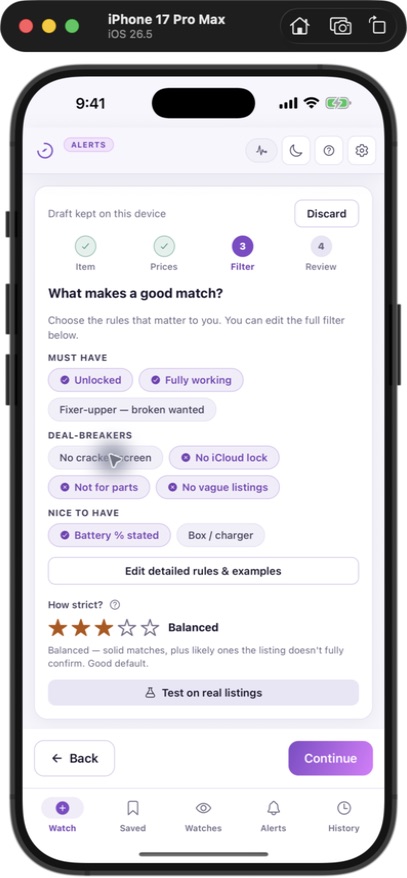
JDMarket scores matches against your plain-language rules. Swoopa advertises its own AI features. Different feature names do not prove better accuracy: use a shortlist of relevant and irrelevant listings to evaluate filtering.
When another option may be better
For one low-priority search, a free plan or a per-watch subscription may cost less. For a larger operation, compare capacity and sourcing features. JDMarket does not message sellers on your behalf.
| JDMarket | Swoopa | |
|---|---|---|
| Monthly web price | Basic $30; Pro $45; Premium $80 | Go $47; Turbo $144; Nitro $352 |
| Longer billing commitment | Annual Basic $252; Pro $378; Premium $672 | Go $336/12 months; Turbo $594/6 months; Nitro $1,194/6 months |
| Timing | Basic: 2 watches scheduled every 5 minutes and 8 every 10 minutes. Pro: 2 every minute and 8 every 5 minutes. Premium: all 10 every minute. | Go: basic; Turbo: fast; Nitro: instant (vendor descriptions, not our measurements) |
| AI features | Natural-language rules and 1–5 match scoring | Advertises AI evaluator and scam filtering; more AI tools on higher tiers |
| Trial | 3 days on Basic through web checkout; card required; auto-renews unless cancelled. No Pro/Premium trial. | Advertises 7 days; check checkout conditions |
Published by JDMarket, a product included in this comparison. We checked the linked public product pages on September 9, 2026 and our own plan configuration. Competitor features and speeds are advertised claims; we have not run a controlled side-by-side speed test or audited competitor reliability. Prices are USD web prices before applicable taxes; store offers and checkout terms may differ.
Sources & verification
- Swoopa — subscription options — Published monthly and committed plan prices, billing periods, trial and AI features. Vendor claims, not independently measured performance. (Verified 2026-09-09)