Organize your searches
Build a marketplace monitoring routine
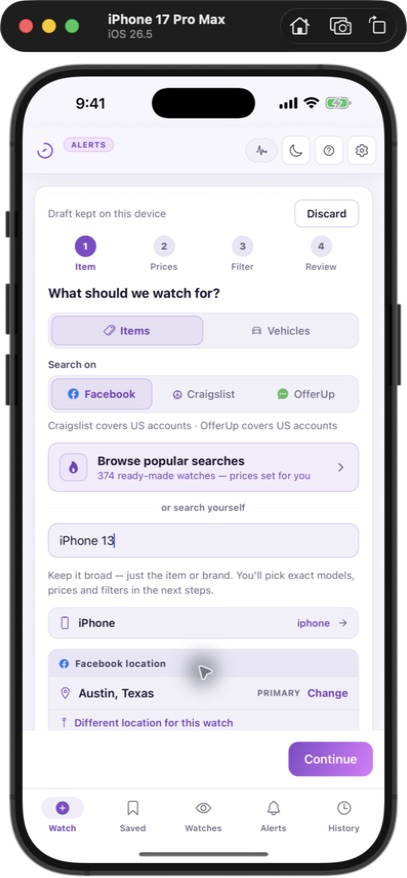
Use this guide to organize a set of searches across the marketplaces available in your country. Each JDMarket watch targets one marketplace; several watches let you follow the same buying goal on different services.
Start with country and coverage
US accounts can use Craigslist and OfferUp, Canadian accounts can use Kijiji, and UK accounts can use Gumtree. Facebook Marketplace is available where JDMarket operates. A subscription does not make a marketplace available in every country, and UK Gumtree coverage does not include Gumtree Australia.
Give each watch a job
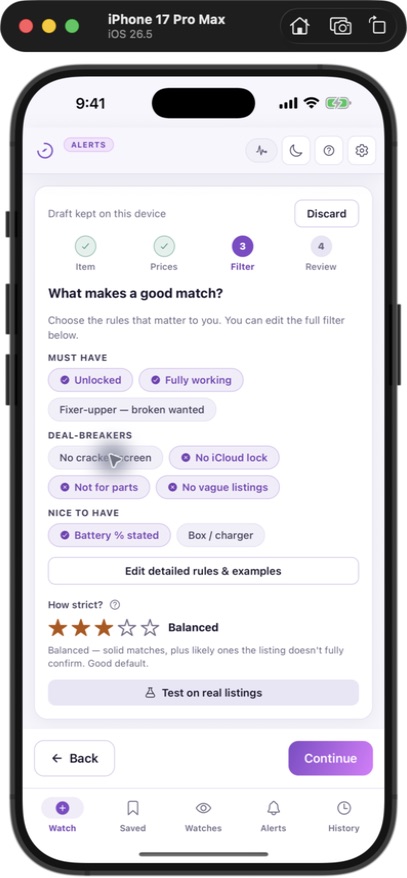
For example, a US buyer could use one Facebook watch and one Craigslist watch for a used pickup, then keep an independent furniture search. Name watches by goal and area so you can tell why each match arrived. Avoid two watches with identical marketplace, location and rules unless you have a specific reason to compare them.
Allocate the faster checks
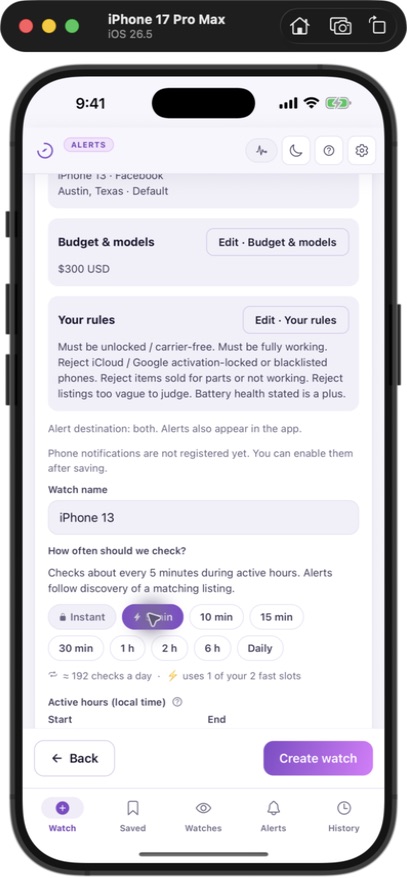
Reserve faster slots for the searches whose timing matters most. Every JDMarket plan includes 10 watches. Basic ($30/month) schedules 2 every 5 minutes and 8 every 10 minutes; Pro ($45/month) schedules 2 every minute and 8 every 5 minutes; Premium ($80/month) schedules all 10 every minute. Listing visibility, filtering, retries, daily check limits and notification delivery can add delay. Use the app’s selected days and hours to match your routine.
Review and refine
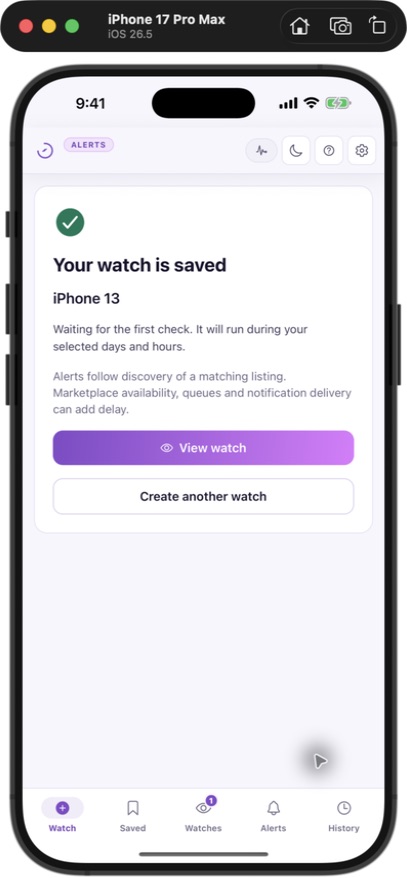
Review matching and irrelevant results, check which watches are active, and pause searches for items you have already bought. A quiet watch may have no new matching listings, overly narrow criteria, an inactive schedule or a limit to investigate. Silence by itself does not establish a crawler failure.