JDMarket product overview
Facebook Marketplace alerts for the searches you choose
JDMarket checks your chosen searches in the cloud and sends matching listings to native push and Telegram. Set the item, location, budget and rules once, then review the matches. Start with Facebook’s own free saved-search notifications if they meet your needs.
What an alert contains
A JDMarket match includes the listing photo and price, an AI relevance score and a direct link to the marketplace. The score reflects the rules you set; it is not an appraisal, a verified condition report or a guarantee that the seller is trustworthy. You decide whether to contact the seller.
No Facebook login required
JDMarket runs your searches in the cloud and never asks for your Facebook password or session, so your account is not handed to a third-party app. The trade-off is that JDMarket cannot message sellers for you: each alert links to the listing and you contact the seller yourself.
Choose a schedule, not a speed promise
Every JDMarket plan includes 10 watches. Basic ($30/month) schedules 2 every 5 minutes and 8 every 10 minutes; Pro ($45/month) schedules 2 every minute and 8 every 5 minutes; Premium ($80/month) schedules all 10 every minute. Listing visibility, filtering, retries, daily check limits and notification delivery can add delay. A one-minute check interval does not mean every listing will reach your phone one minute after publication.
Set a useful search
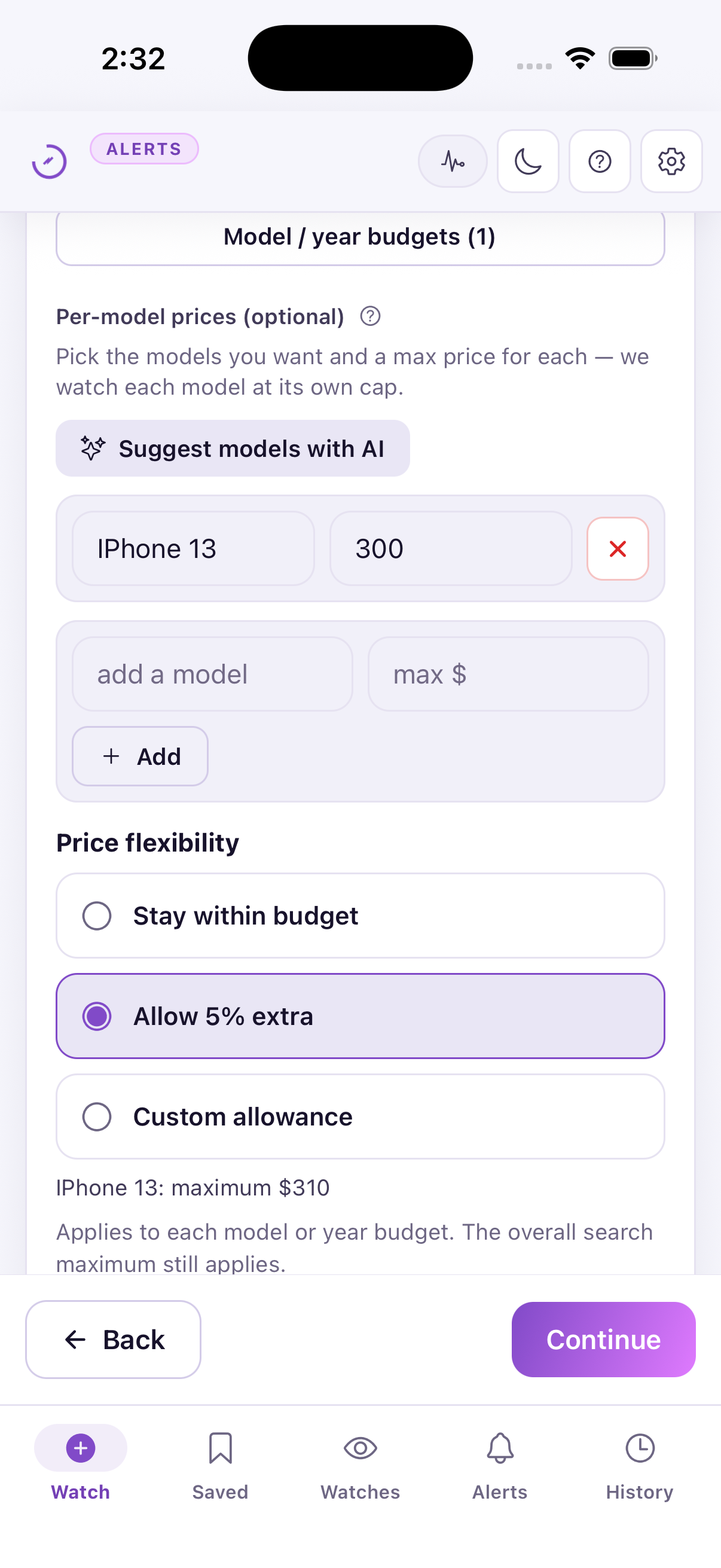
For a used phone, specify the model, storage, maximum price, city and acceptable condition. Exclude parts-only, locked and accessory listings when those do not fit. Start broad enough to see real matches; refine the rule after reviewing results instead of adding many overlapping watches.
Test and refine the rule
Compare the rule with a few listings you would buy and a few you would reject. If the same exclusion removes good candidates, rewrite it more precisely. Once the watch runs, look for repeated mismatches such as the wrong model, an accessory, a parts-only item or a location outside your useful range, and edit the rule to address that pattern. If results are too sparse, broaden one condition at a time so you can see which change helped.
Give each watch a job
For example, a US buyer could use one Facebook watch and one Craigslist watch for a used pickup, then keep an independent furniture search. Name watches by goal and area so you can tell why each match arrived. Avoid two watches with identical marketplace, location and rules unless you have a specific reason to compare them.
When the free option is enough
For an occasional purchase with flexible timing, try Facebook’s native saved searches first. JDMarket is useful when you want scheduled cloud checks, plain-language filtering, a separate alerts inbox or Telegram delivery. JDMarket does not connect to your Facebook account or send messages to sellers for you.
Before you subscribe
Create your account and subscribe in the JDMarket app. Prices, renewal terms and any available offers are shown by the App Store or Google Play before purchase.