Watch configuration
Write a better Facebook Marketplace watch
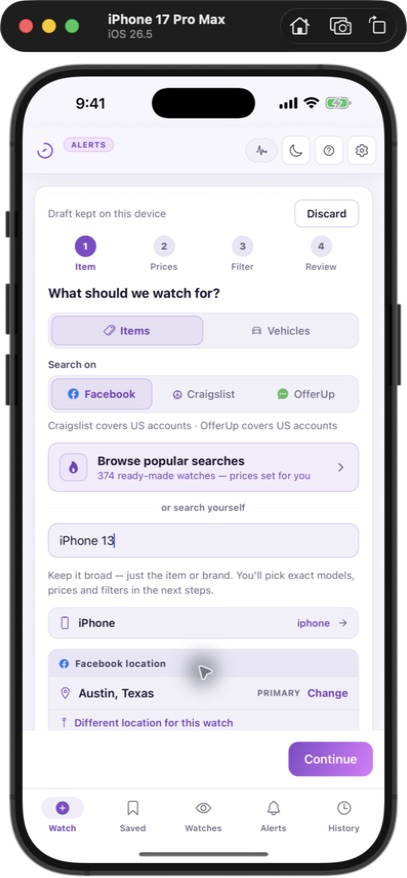
A watch is a saved set of search criteria. The useful part is deciding what counts as a match: the item, location, budget and conditions you would accept. This page focuses on that decision.
Separate requirements from preferences
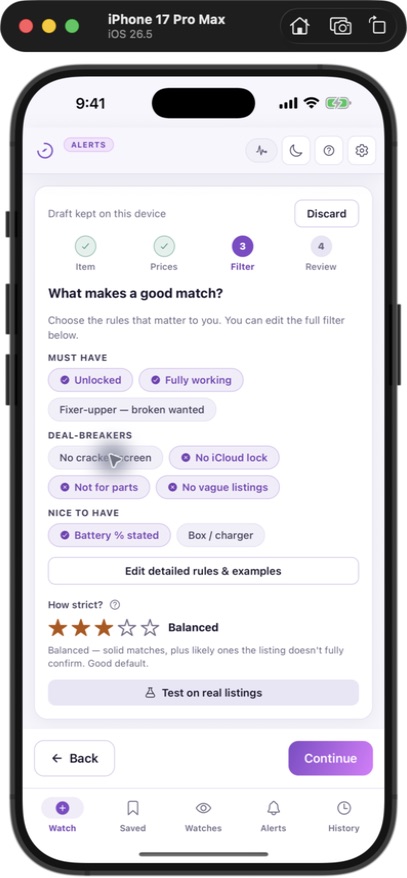
Start with the exact item and your hard price limit. Then list only the conditions that would make you reject a purchase. Treat colour or included packaging as preferences if you would still consider an otherwise suitable listing. Overly strict criteria can leave you with few results.
Example: a used iPhone
A useful starting rule is “iPhone 13, 128 GB, unlocked, working screen, under $300; exclude cases, parts-only phones and activation-locked devices.” This is an example, not a claim that such listings are available at that price. Set your city and travel radius separately.
Example: a car
Use the vehicle form to specify make/model, year range, mileage, seller type and your budget. State requirements such as clean title in the description. An AI interpretation of a listing is not title verification: confirm documents and condition with the seller before buying.
Test the rule against real listings
Compare the rule with a few listings you would buy and a few you would reject. If the same exclusion removes good candidates, rewrite it more precisely. After the watch is running, review the score and reason rather than treating every alert as equally suitable.
Save, review and adjust
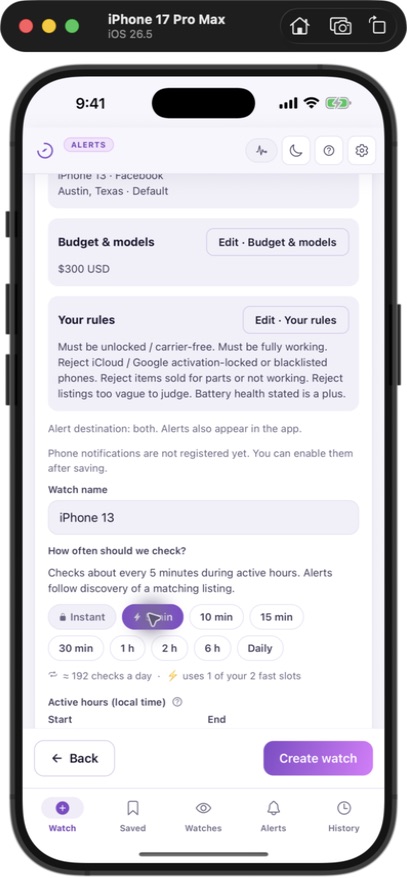
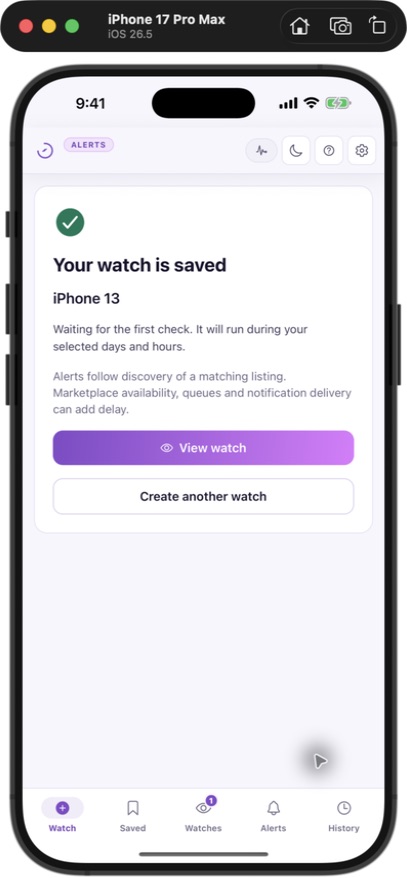
Check the marketplace, location, rule and schedule on the review screen before saving. Start with one watch, review its results and then add another market or area if needed. JDMarket runs checks in the cloud; it does not require your Facebook password.